
Activities
CONTENTS
How to Create a Professional, Perfect, and Fast Video?.
Is creating a professional, polished, and quick video a challenge for you?
In order to bring useful value to students and equip you with additional skills, techniques, and creative tools applicable to both study and work—while also exploring your passion for video editing—the Tourism Club – Faculty of Business Administration and International Economics is organizing a club session with the topic:
“Video Design on Canva”
Today at 7:00 PM, the Tourism Club of the Faculty of Business Administration and International Economics will share with you simple ways to create videos using Canva.
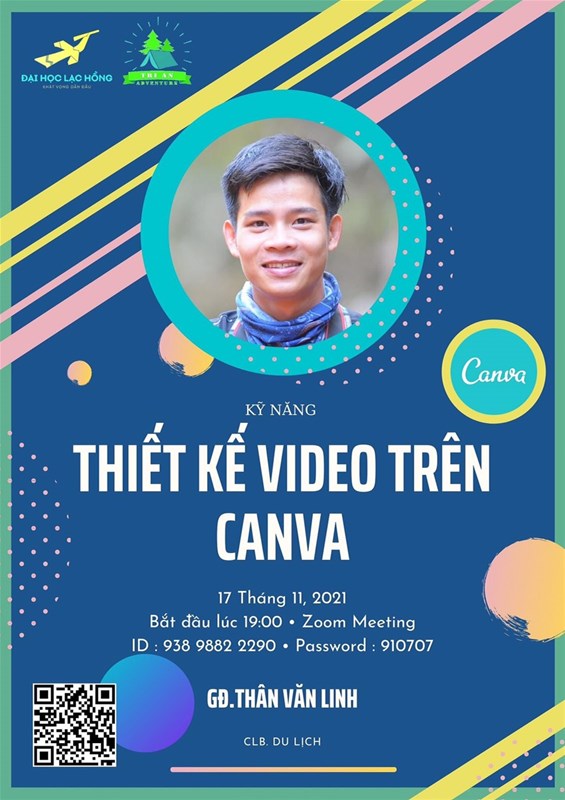
So, what is Canva? How do you install and use it?
We warmly invite lecturers and students who are interested to join tonight’s session.
What is Canva?
Canva is a free online design tool that allows you to create videos anytime, anywhere. You don’t need complex video editing software to produce professional-quality videos. Canva provides thousands of free video templates, animations, and music options to help you quickly create short videos for social media.
After finishing your video, you can download it without a watermark!
With Canva, video creation becomes extremely simple for everyone.
Whether you are on the go or working in the office, you can use Canva’s video editing software on multiple devices. Canva is available as a mobile app on iOS and Android, as well as on desktop computers. You can see your finished video within just a few seconds.
Professional Videos Without Watermarks
Unlike many other video-making tools, Canva is completely free. There are no watermarks when you download your videos, and there are no limits on how many videos you can create or download.
Professional Social Media Videos – No Design Skills Required
Canva allows you to create professional videos without complicated software or the expense of hiring professional videographers. There’s no need to download heavy software or learn advanced editing skills.
Simply choose a video template, customize it to suit your needs, and once finished, download and share it directly on social media.
